
Storefront
Sell memberships, classes and gear online and at the desk.
Your club has a store page where members buy memberships, classes and gear online. The same products work at the front desk and when you charge a member. You need Stripe connected first.
Add a product
Open the Store tab
Open Club Settings (Settings at the bottom of the sidebar) and go to Store.Click + next to Products
A blank product opens. Click any field to edit it.Fill it in
- Name and price (both required).
- Frequency: One-time, Monthly or Yearly. Monthly and yearly products become subscriptions that renew automatically.
- Visibility: Public (visible on store page) or Private (only visible to admins). Use Private for things you only charge by hand, such as private lessons or fees.
- A description and an image, shown on the store card.
Create it
Click Create. To change a product later, click it, edit, and Save. Duplicate and Delete are there too.
Renewal options for memberships
Monthly and yearly products have Subscription Settings:
- Renew on payment date: each member renews on the day they joined.
- Renew on set day each month (or Renew on set day of the year): everyone renews on the same day, for example the 1st.
- Prorated or Not prorated: with a set renewal day, whether someone who joins between renewal days pays only for the part of the period that’s left.
Share your store page
Under Club SettingsStore, Store Page shows your store’s address (it looks like fencingoffice.com/store/your-club). Visit opens it. Link to it from your website or emails.
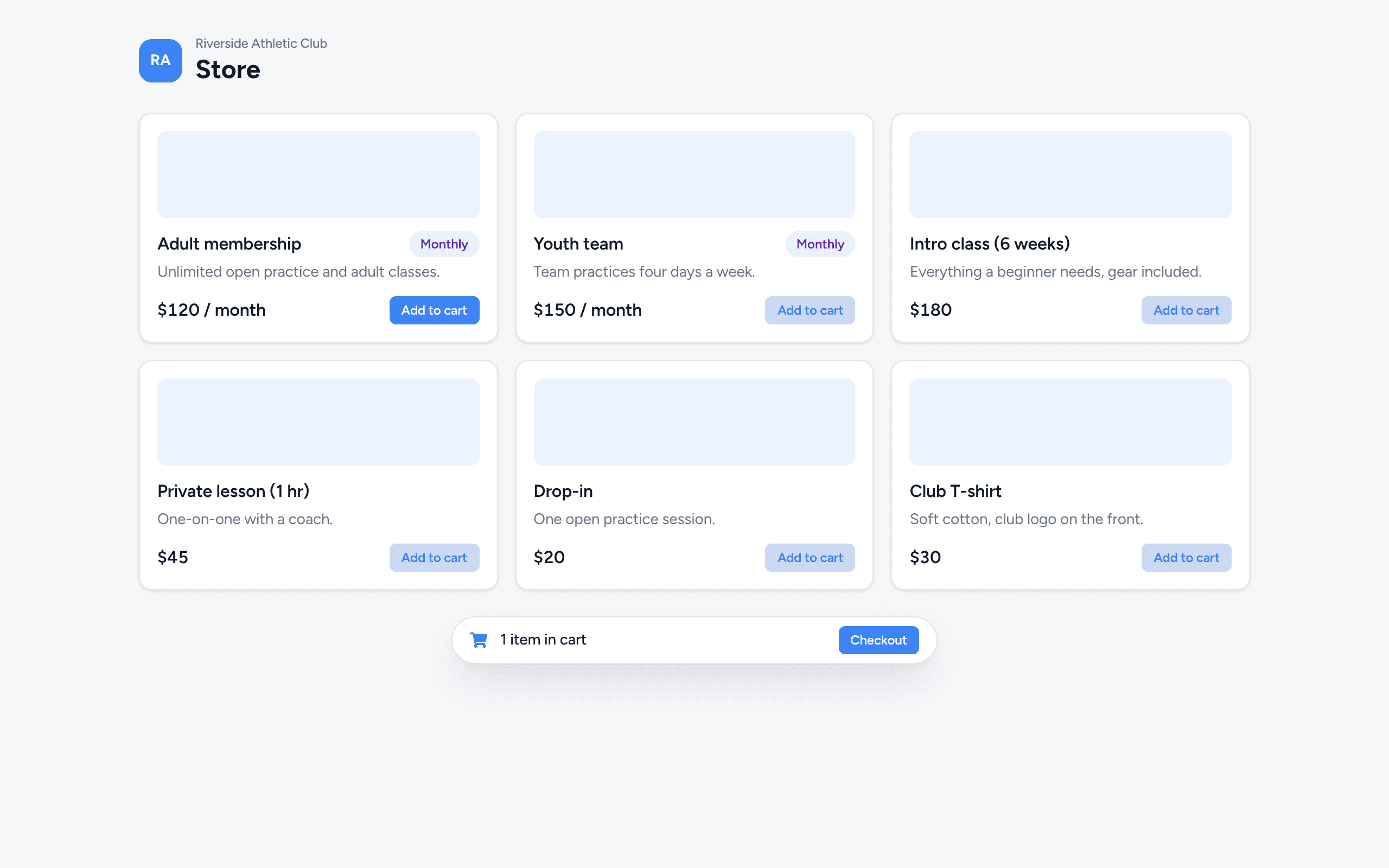
How members buy
Add to cart
They click Add to cart on what they want, then Checkout.Sign in or sign up
Someone who isn’t logged in creates an account right there (it connects to their roster record by email).Pay
They pay with the card on file, or enter a card. They get a receipt by email, and the payment appears on their Billing tab for you.
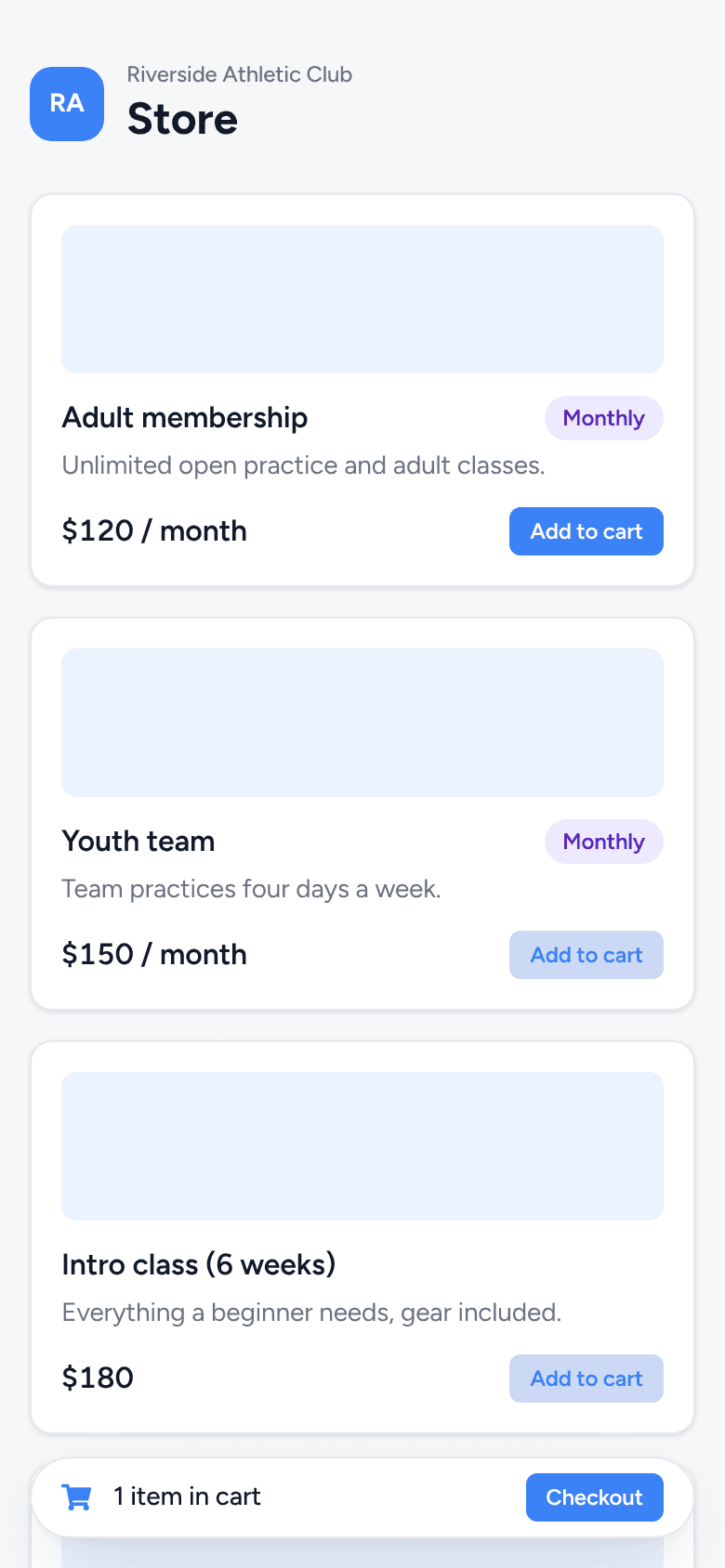
Sell at the front desk
Choose Storefront in the sidebar. It shows your public products. Add items, click Checkout, search for the member and Select them, then Send Invoice. The member gets an email to pay, so they need an email on file.